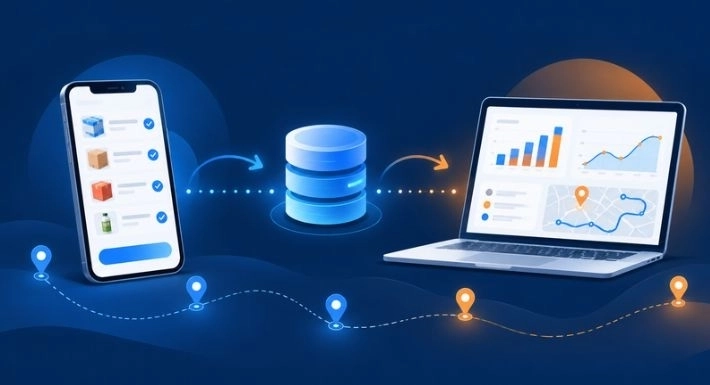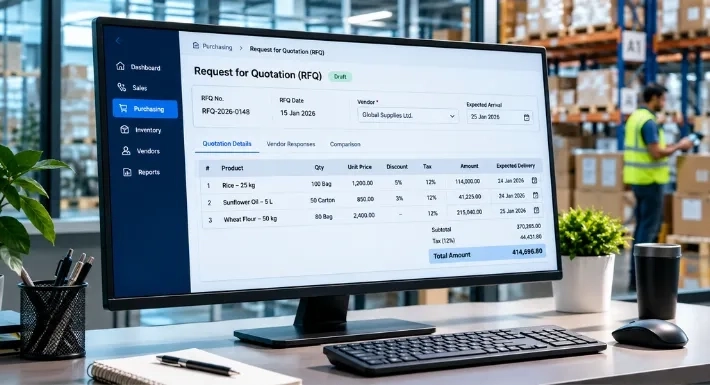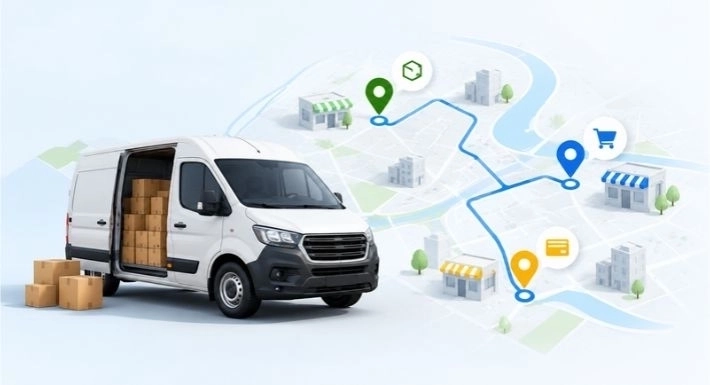
Field sales management software helps businesses plan, record, and review the work of sales representatives who sell outside the office. It brings customer visits, orders, follow-ups, and performance data into one system. Managers see what is happening in the field, and reps spend less time on paperwork.
This guide explains what the software does, the seven benefits that matter most, how to judge a platform, and where SalesRoute.ai fits.
What Is Field Sales Management Software?
It is a set of tools, usually a mobile app for reps and a dashboard for managers, built for teams that visit customers in person. Typical users include FMCG distributors, wholesalers, van sellers, and any business with reps covering multiple territories.
Most platforms cover some mix of the following:
- Customer records and visit history
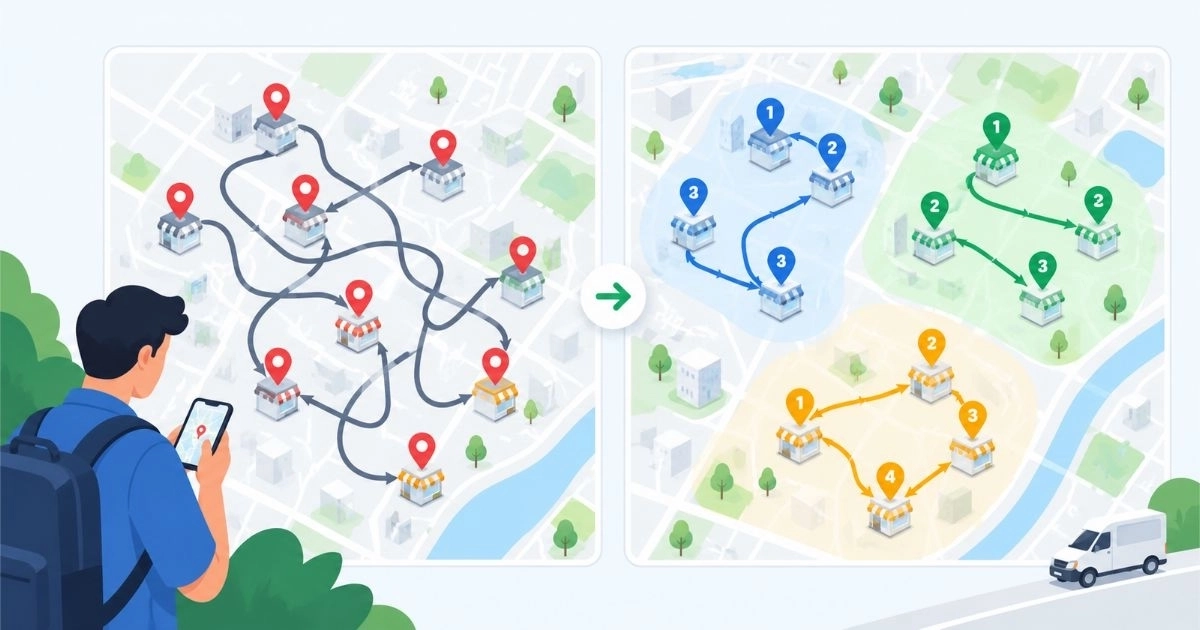
- Visit planning and check-ins
- Order capture
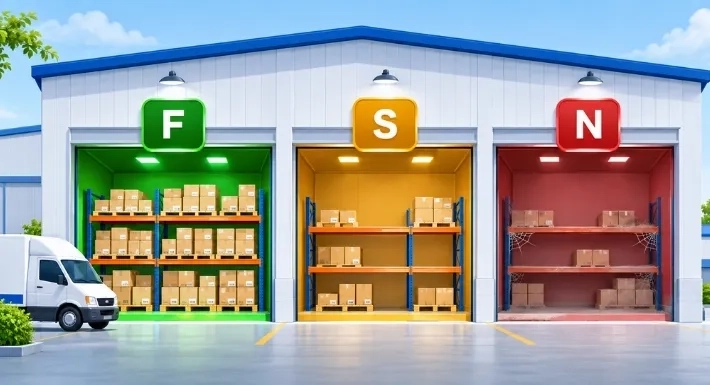
- Inventory visibility
- Activity and performance reports
- Follow-up reminders
No two products cover exactly the same ground, so the right choice depends on your workflow.
Field Sales Software vs. CRM
The terms overlap, but the focus is different.
|
Field sales management software |
Traditional CRM |
|
|
Main focus |
Daily field execution |
Customer relationships and pipeline |
|
Typical question answered |
Did the rep visit, and what was ordered? |
Where is this lead in the pipeline? |
|
Core tools |
Visit plans, order capture, routes, field reports |
Contacts, deals, email history |
|
Works best for |
Teams that visit many outlets and take orders |
Teams managing longer sales cycles |
Many businesses use both. If your reps visit outlets and take orders every day, start with field execution.
Manual Process vs. Software-Supported Workflow
|
Task |
Manual approach |
With field sales software |
|
Planning the day |
Rep decides from memory or a notebook |
Visits are planned and visible to the manager |
|
Recording a visit |
Notes or a message at day's end |
Recorded during the visit |
|
Taking an order |
Paper or chat message, retyped later |
Entered once in the app |
|
Checking stock |
Phone call to the warehouse |
Stock information inside the app, if the platform includes it |
|
Reporting |
Spreadsheet built by hand |
Reports generated from recorded activity |
|
Follow-up |
Depends on the rep's memory |
Reminders tied to the customer record |
7 Benefits That Matter Most
1. More Selling Time, Less Paperwork
Reps often lose hours each week retyping orders, updating spreadsheets, and writing reports. Recording information once, at the point of activity, removes much of that duplicate work.
Illustrative example: A rep visits twelve shops in a day. Instead of sorting notes at night, they log each visit and order on the spot and finish when the last visit ends.
2. Clear Visibility Into Visits and Coverage
Without records, managers rely on phone calls and end-of-day messages. With them, a manager can see which planned visits happened, which outlets have not been covered lately, and where a rep needs help.
Visibility works best as a coaching tool. A missed visit may point to an unrealistic route rather than a performance problem.
3. Cleaner, Faster Order Capture
Structured order forms reduce the typos, missing quantities, and back-and-forth that come with paper and chat messages. The order reaches the office in a consistent format, which makes processing easier.
How far this goes depends on integration. If orders must still be retyped into an accounting or inventory system, part of the benefit is lost.
4. Better Customer Follow-Up
When past visits, orders, and notes sit in one record, any rep can pick up a conversation where it left off. Reminders also help teams spot customers who have stopped ordering.
Software keeps the information organized. Trust and service quality still decide whether customers keep buying.
5. Stock Awareness at the Point of Sale
A rep who knows a product is out of stock can suggest an alternative instead of promising something the business cannot deliver. Over time, order and stock data also show which products are requested often but unavailable.
This benefit depends on accurate stock records, and not every platform includes inventory features.
6. Faster Decisions Based on Real Data
When visit, order, and territory data is collected consistently, managers can spot changes sooner. For example, if orders for one product category fall in several territories at once, the cause may be pricing, availability, or competitor activity rather than rep performance.
Data does not explain itself. It tells you where to look.
7. Easier Growth Across Territories
A process that works for five reps often breaks at twenty. A shared system gives every new rep and territory the same forms, customer records, and reports, so managers are not stitching together spreadsheets.
Metrics Worth Tracking
Choose a small set and review it consistently.
|
Metric |
What it tells you |
Read it carefully because |
|
Visits completed vs. planned |
Coverage and discipline |
Visit count says nothing about visit quality |
|
Orders per visit (conversion) |
How effectively visits turn into sales |
Territories differ in demand |
|
Average order value |
Order size and upselling |
Large accounts can skew it |
|
Sales by territory |
Where growth or decline is happening |
Territory size and customer mix vary |
|
Repeat orders from existing customers |
Retention and relationship strength |
Seasonal buying changes patterns |
|
Inactive customers |
Accounts at risk |
Some customers order irregularly by design |
What Tracking Cannot Do
Software records activity. It cannot judge quality. A GPS check-in shows that a rep was nearby, not that the visit went well.
A few ground rules protect both the team and the data:
- Tell reps what is tracked and why.
- Use the data to coach before using it to criticize.
- Check local privacy and employment rules before tracking location.
- Keep records accurate. Reports are only as good as what is entered.
A Day in the Field: Illustrative Workflow
Here is how a typical day might run with a mobile field sales app:
- The rep opens the day's visit plan.
- At each outlet, the rep checks the customer's history and recent orders.
- The rep records the visit and enters the order in the app.
- If a product is unavailable, the rep notes it and offers an alternative.
- Follow-ups are saved as reminders.
- The manager reviews visits and orders from the dashboard, without waiting for a report.
Common Adoption Problems and How to Handle Them
|
Problem |
Why it happens |
What helps |
|
Reps skip data entry |
The app feels slower than the old way |
Keep forms short; capture only what the manager will use |
|
Reps feel monitored |
Tracking is not explained |
Be open about what is tracked; use data for coaching |
|
Poor data quality |
No training or validation |
Short onboarding, required fields, regular spot checks |
|
Weak connectivity |
Reps work in low-signal areas |
Test offline use before you commit |
|
Too many features at launch |
Overbuilt rollout |
Start with visits and orders, then add reports and routes |
How to Choose: A Practical Checklist
Start with your biggest problem, whether that is slow order entry, poor visibility, or messy customer records. Then check each platform against the table below.
|
Question |
Why it matters |
|
Is the rep app fast and simple on a phone? |
Adoption decides whether you get any value |
|
Does it work offline? |
Many routes have weak signal |
|
Can reps create orders in the app? |
Core of field selling for distributors |
|
Does it show stock information? |
Prevents promising unavailable products |
|
Can managers see visits and performance in one dashboard? |
Replaces manual reports |
|
Are there roles and permissions? |
Controls who sees prices and customer data |
|
Does it integrate with your other tools? |
Avoids retyping data |
|
What is the full cost, and what does each plan include? |
Prevents surprises as the team grows |
|
What onboarding and support are provided? |
Affects how quickly the team gets productive |
A platform with fewer features that your team actually uses beats a larger one they avoid.
Where SalesRoute.ai Fits
SalesRoute.ai is advanced AI-powered field sales management software for businesses that sell and distribute through field teams, from small businesses to larger distribution operations. Its website lists capabilities that map to the problems above:
|
Problem in this guide |
SalesRoute.ai capability |
|
Order entry and tracking |
Order management, invoice management, repeat order management |
|
Stock awareness |
Inventory management and inventory adjustments |
|
Visit follow-up |
Follow-up and visit reminders; customer interaction history |
|
Manager visibility |
Analytics dashboard, daily reports, mobile app access |
|
Route planning and tracking |
Route management, route optimization, live GPS tracking, customer check-in and check-out |
|
Weak connectivity |
Offline access |
|
Forecasting and daily guidance |
AI order prediction and an AI agent for daily tasks |
Plan availability matters. According to the pricing page, the Standard plan is available today, while Advanced and AI+ features, which include route optimization, live GPS tracking, offline access, and AI order prediction, are being rolled out in phases. Check the pricing page for current plan details before you decide.
If you want to see how it fits your team, start with the free version. For questions about setup, data, or pricing, visit the FAQ page.
Frequently Asked Questions
1. What is field sales management software?
It is software that helps businesses plan, record, and review the work of sales reps who visit customers in person. It usually includes a mobile app for reps and a dashboard for managers.
2. Is field sales management software the same as a CRM?
No. A CRM focuses on customer relationships and sales pipelines. Field sales software focuses on daily execution, such as visits, routes, and order capture. Some products combine both.
3. What features should field sales software have?
At minimum: a simple mobile app, customer records, visit tracking, order capture, and manager reports. Offline access, stock visibility, route planning, and integrations are valuable depending on your operation.
4. Can small businesses use field sales management software?
Yes. Small teams often gain the most from replacing paper and chat-based processes. Start with a plan that covers visits and orders, and expand as the team grows.
5. Does location tracking harm trust with sales reps?
It can be introduced without explanation. Share what is tracked and why, and use the data to support reps. Review local privacy and employment rules before enabling it.
6. How long does it take to roll out?
It varies with team size, data volume, and integrations. A small pilot with a few reps, covering visits and orders first, is a common way to test fit before a full rollout.