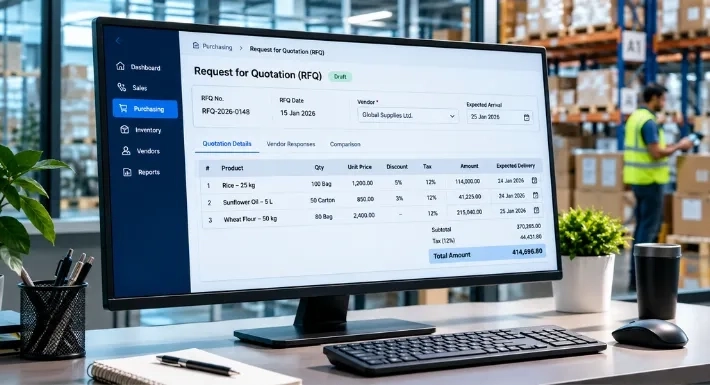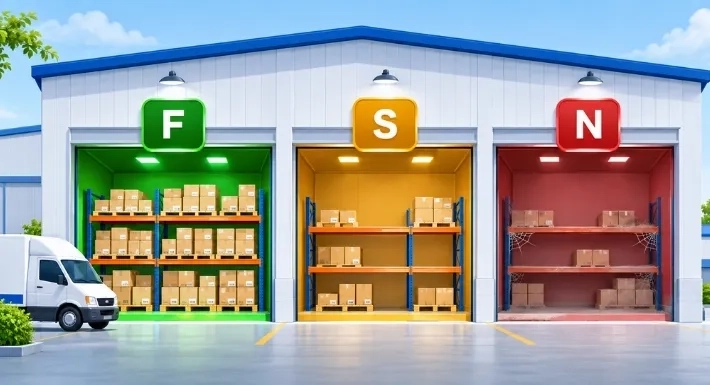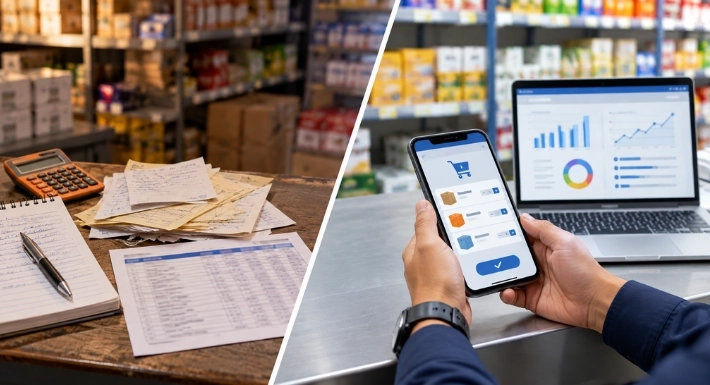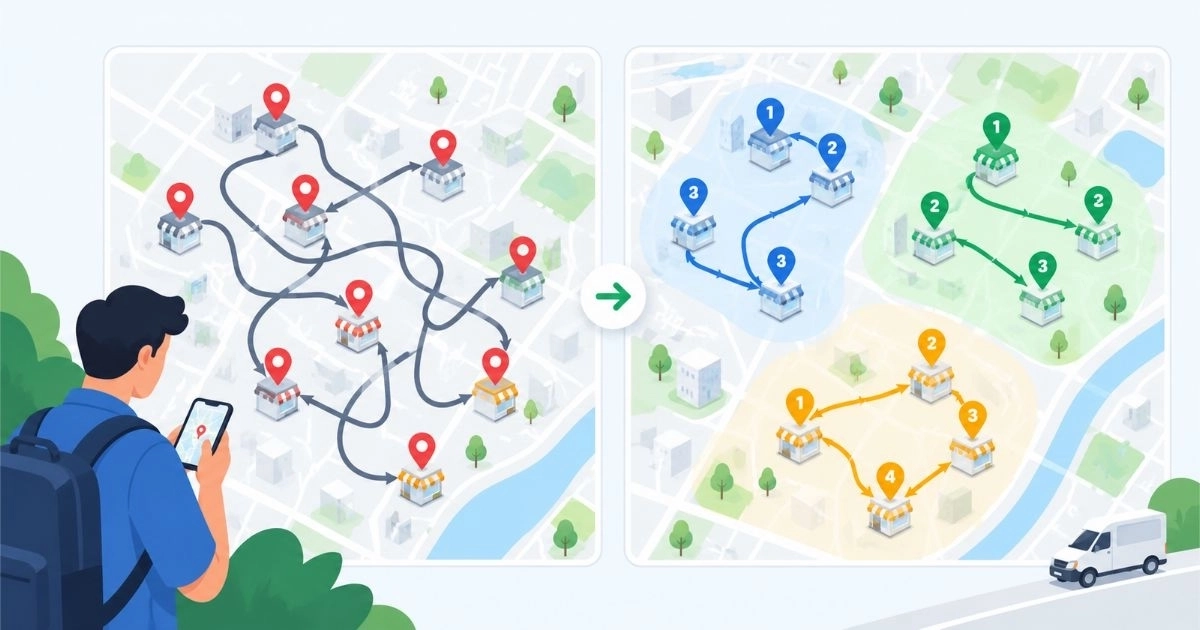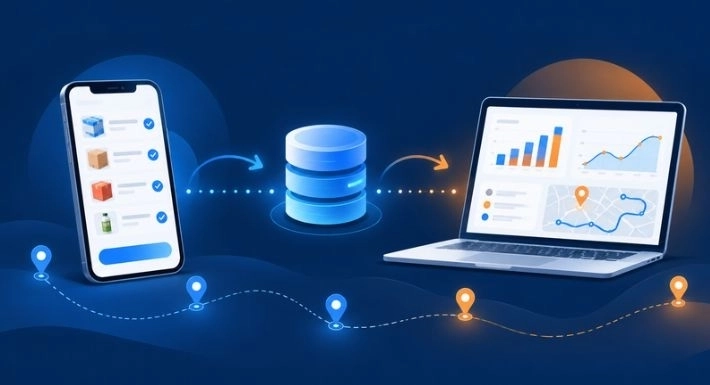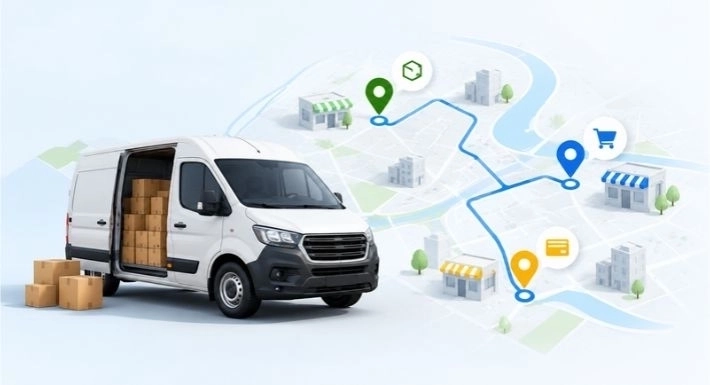
Every field sale ends with an order, and that order has to travel from a shop counter or a delivery van to the people who prepare, deliver, and follow up on it. Sales Order Management in SalesRoute.ai covers that journey. Reps capture orders while they are with the customer, and managers see them in one place.
This article walks through how the feature works, what each capability does, and how it fits into a distributor’s day.
What Is Sales Order Management in SalesRoute.ai?
Sales order management is the practice of recording customer orders and following them until they are delivered. In SalesRoute.ai, it is one part of a field sales platform. Orders sit alongside route planning, live location tracking, inventory features, customer history, and reporting, rather than in a separate tool.
Reps typically work from the mobile app. Managers review activity through dashboards and reports on the web app or the desktop apps for Windows, macOS, and Ubuntu.
How SalesRoute.ai Helps You Manage Sales Orders
Here is the order journey in the sequence it happens.
-
Capture the Order During the Visit
Reps create orders in the SalesRoute.ai mobile app while they are with the customer. There is no notebook to retype and no photo to send to the office.
Offline support covers weak-signal routes. Reps can keep capturing orders and visits in low-signal or no-signal areas, and their activity synchronizes once connectivity returns.
-
Keep Each Order Tied to Its Customer
SalesRoute.ai keeps an interaction history for each customer, including past visits, orders, and notes. A rep can check what a shop bought last time before taking today’s order. If the customer calls later with a question, the office can open the same record instead of calling the rep.
-
Follow the Order Through Its Status
Each order carries a status, so staff can tell new orders from those in progress or delivered without asking the rep for an update.
-
See Who Handled Each Order
Managers can see which salesperson created or manages an order. That makes it easier to follow up on a specific order and to review how work is spread across the team.
-
Review Orders From One Dashboard
SalesRoute.ai dashboards and reports show team performance, sales activity, and orders in one view. Managers can check where things stand without messaging each rep.
Key Features of SalesRoute.ai Sales Orders
-
Search and Filtering
Orders can be searched and filtered, for example by customer name, order number, or date. When a customer asks about a specific order, staff can find it directly instead of scrolling through the full list.
-
Order Prediction for Repeat Orders
SalesRoute.ai includes AI-based order prediction, which forecasts future customer orders and buying patterns. Distributors with regular customers get a head start on what each shop is likely to need. The rep still decides what goes on the order, but starts with a clearer picture of what to ask about.
-
Order History and Audit Trail
Each order keeps a history of activity. When something looks wrong, such as a changed quantity or a disputed delivery, a manager can check what happened and when, instead of reconstructing it from memory.
-
Exports and Reports
Order data can be exported for reviews and audits, and dashboards give a quick view of performance and key indicators. Exports serve month-end reviews. Dashboards serve day-to-day checks.
-
Orders Alongside Routes, Stock, and Customers
Because orders live in the same platform as route planning, inventory features, and customer history, a rep’s day connects end to end. The route plan shows which shops to visit. The customer record shows what they usually buy. The order is captured at the visit.
Sales Order Management in Practice: An Illustrative Scenario
This example is fictional and is not a customer case study.
A beverage distributor has a dozen reps covering neighborhood shops. Before moving to SalesRoute.ai, orders arrived as handwritten slips and chat photos. The office retyped them, and a manager’s day often began with calls asking where things stood.
On a Tuesday, one rep visits a shop in an area with weak signals. She opens SalesRoute.ai and sees the shop’s previous orders. She notices an item it usually reorders is missing from today’s list and asks about it. She adds it and saves the order on her phone.
When her phone reconnects, the order synchronizes. That afternoon, the sales manager opens the dashboard and sees the day’s activity, including her order. When the shop owner calls with a question, the office finds the customer record and answers on the spot.
Benefits for Growing Businesses
- Fewer handoffs. Orders are entered once, at the point of sale, rather than copied from paper to chat to spreadsheet.
- Faster answers. Customer history and order records are in one place, so office staff don’t need to chase reps.
- Oversight without chasing. Managers use dashboards instead of daily status calls.
- Coverage on every route. Offline support means a weak signal does not push reps back to paper.
Why Choose SalesRoute.ai for Sales Order Management?
SalesRoute.ai is built for field sales and distribution, not as an office-only order module. Four things set it apart:
- Order capture where the sale happens. The mobile app and offline support are built for reps on the road.
- AI order prediction. Forecasting of future orders and buying patterns is part of the platform.
- One platform for the field. Route planning, live location tracking, inventory features, and customer history sit in the same system as orders.
- A fit for different sizes. SalesRoute.ai serves micro businesses, SMEs, distribution firms, and direct store delivery teams.
Frequently Asked Questions
1. What is Sales Order Management in SalesRoute.ai?
It is the part of SalesRoute.ai where reps capture customer orders and managers track them. Orders are connected to customer history and reporting in the same platform.
2. Can reps take orders without internet access?
Yes. SalesRoute.ai supports offline use, so reps can capture orders and visits in low-signal or no-signal areas.
3. Does SalesRoute.ai predict customer orders?
Yes. It includes AI-based order prediction, which forecasts future customer orders and buying patterns.
4. Who is Sales Order Management in SalesRoute.ai for?
It suits micro businesses, SMEs, distribution firms, direct store delivery teams, and field sales teams.
Conclusion
Sales Order Management in SalesRoute.ai brings order capture, customer history, prediction, and manager reporting into the same platform that runs a field sales team. Reps enter orders once. Managers and office staff work from the same record.
If your team still tracks orders on paper, spreadsheets, or chat messages, try SalesRoute.ai and see how it handles your orders.