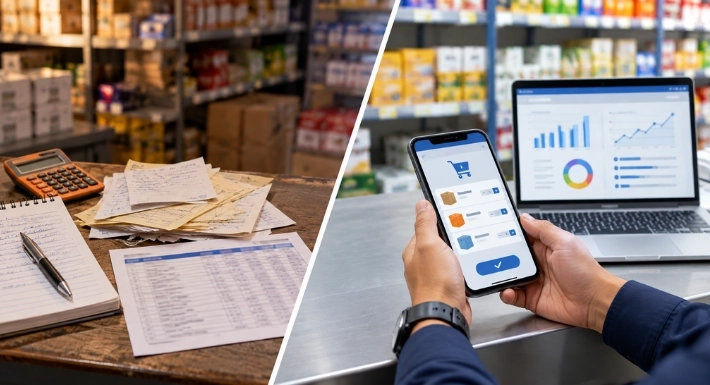
Picture a distributor with twelve reps covering several hundred shops. Orders arrive as phone calls, chat messages, and handwritten slips. Someone in the office retypes them each evening. A manager asks, “Did anyone visit the north side this week?” and the honest answer is, “Let me call around.”
Field sales management software exists to fix that kind of day.
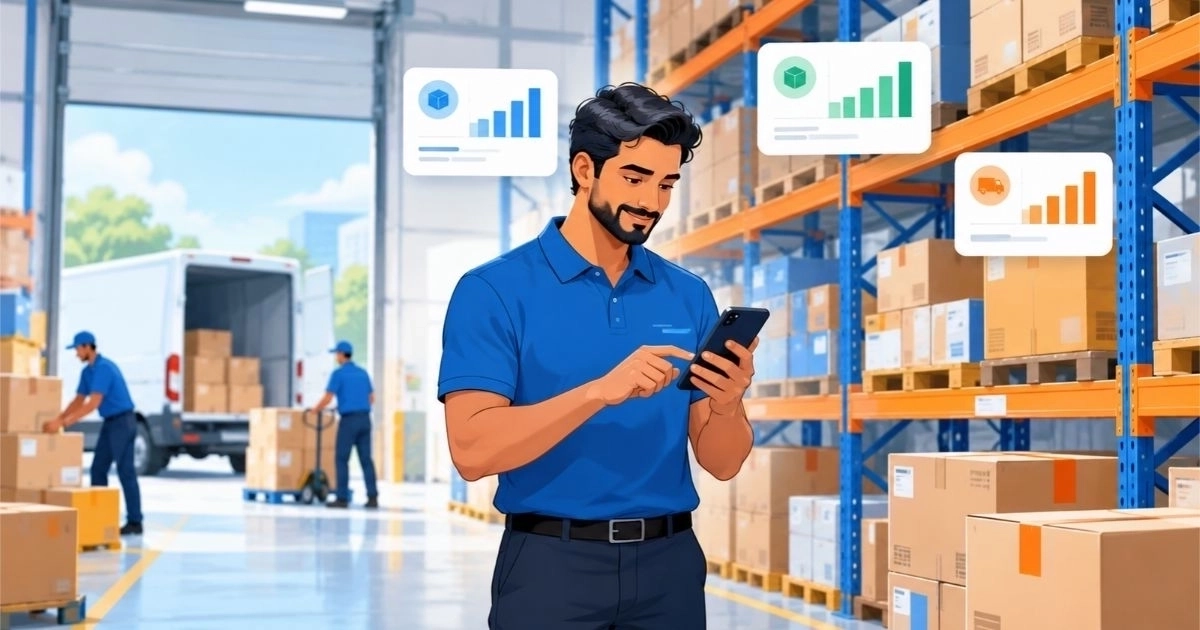
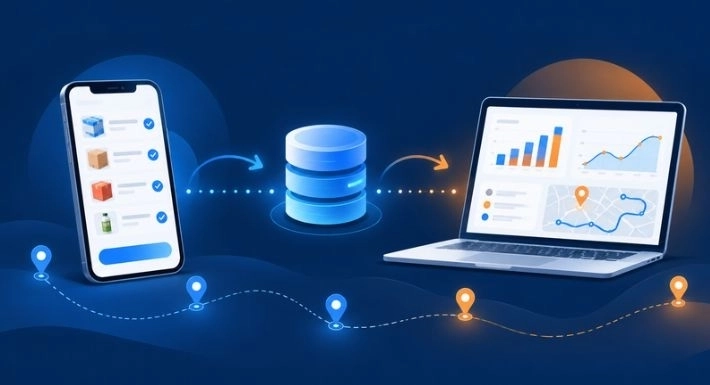
Field sales management software is a business system that coordinates reps who sell face to face at shops, depots, and warehouses. Reps use a mobile app to see their plan, log visits, and take orders. Managers use a dashboard that shows the same information as it comes in. Between the two sits a shared database that keeps everyone working from the same records.
This guide explains how those pieces fit together. If you are still deciding whether you need it, our guide to the key benefits of field sales management software covers that side.
The Three Parts Behind Every Platform
Products differ, but most field sales software has the same three layers.
1. The rep app. This is the phone app reps carry. It holds the day’s customer list, past orders, prices, and order forms.
2. The central database. Every visit, order, and note is saved here. It acts as the single source of truth, so the office, the warehouse, and the manager all see the same numbers.
3. The manager dashboard. This turns raw activity into something readable: visits completed, orders taken, sales by territory, and customers who have gone quiet.
Better products add a fourth layer, such as route planning, stock tracking, or AI suggestions. Those extras sit on top of the same three parts.
A Day in the Field, Step by Step
Here is the typical cycle. The example is illustrative, not a customer story.
- Plan. The evening before, or early that morning, a manager assigns customers to each rep. The plan appears in the rep’s app.
- Travel. The rep follows the planned sequence. Some platforms suggest the order of stops.
- Visit. At each outlet, the rep checks in and sees the customer’s history: last order, usual products, notes from earlier visits.
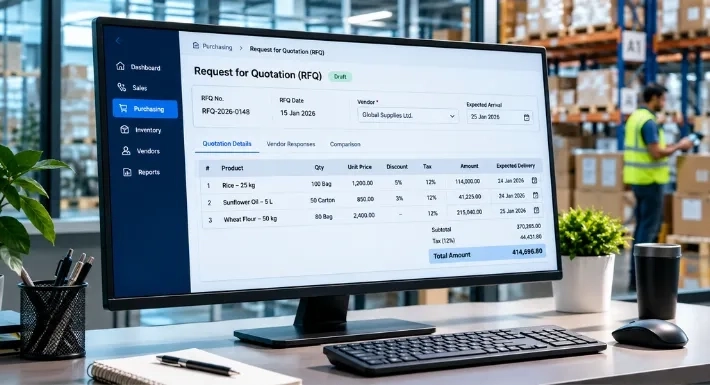
- Order. The rep enters the order on the phone. The system applies the right price list and records the quantities.
- Sync. The app sends the data to the central database. The order is now visible to the office and the warehouse.
- Review. The manager checks the dashboard, spots a territory with fewer visits than planned, and adjusts tomorrow’s plan.
Compare that with the paper version, where steps 4 through 6 happen hours later and depend on someone retyping handwriting. The software does not change what reps do at the shop. It changes how quickly the information reaches everyone else.
How Route Planning Works
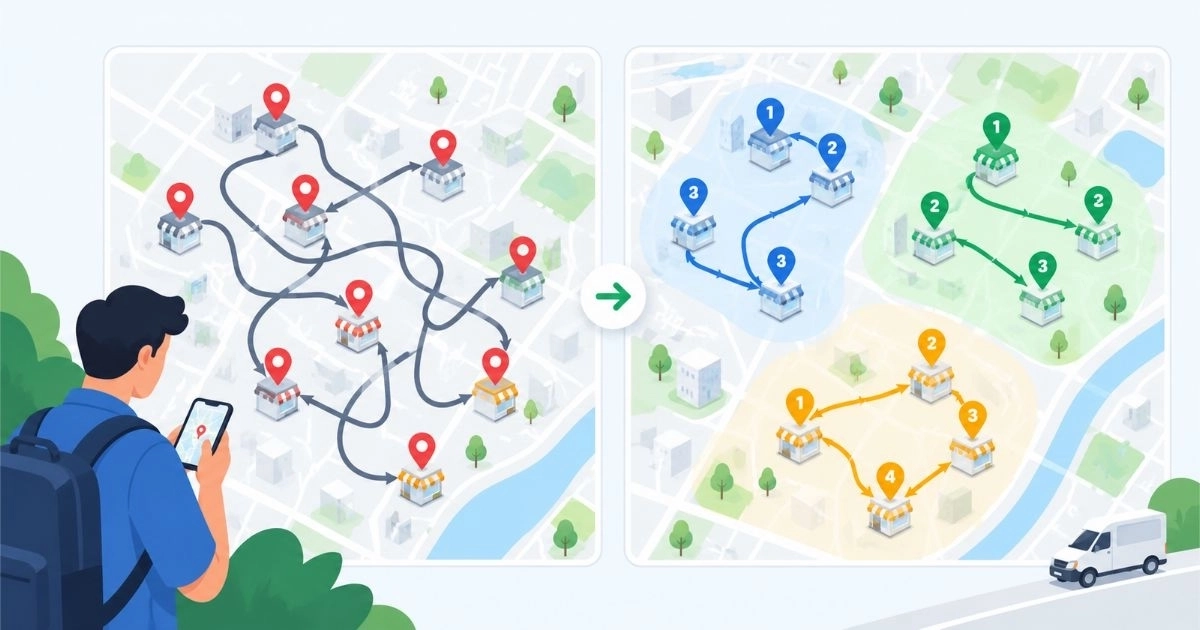
Route planning sounds simple until you add real-world limits. Software for this job needs inputs such as addresses or coordinates, service durations, vehicle details, driver availability, start and end locations, and any promised time windows.
With those inputs, the software decides which stops belong to which rep and in what order to visit them. Computer scientists call this the Vehicle Routing Problem, and adding multiple vehicles, capacity limits, and time windows makes it a more complex version of the same puzzle. That complexity is why it runs on algorithms rather than a whiteboard. Google publishes a technical explanation in its OR-Tools routing guide.
One caution: a route can look sensible on a map and still fail once real constraints apply. Accurate inputs and dispatcher judgment still decide whether an optimized route works. A shop that only accepts deliveries before noon, for example, changes the whole sequence. Treat suggested routes as a strong starting point, then let experienced people adjust them.
How Tracking and Check-Ins Work
Many platforms use the phone’s GPS in two ways. One is a live location, which shows where reps are during the day. The other is check-in and check-out, which stamps the time a rep arrived at and left a customer’s location.
This data answers practical questions: Did the planned visits happen? How long did each one take? Was a rep far from the assigned route?
It also has limits. A check-in proves the phone was at the shop. It does not prove the visit went well. Used as a coaching tool, it helps managers spot unrealistic routes. Used as a surveillance tool, it tends to make reps stop using the app. Tell your team what is tracked and why, and check local privacy and employment rules before turning location tracking on.
What Happens When There Is No Signal
Reps often work in basements, warehouses, and rural areas with weak coverage. Software built for the field usually handles this with offline mode: the app stores visits and orders on the phone, then uploads them when a connection returns.
This matters more than it sounds. If the app freezes without a signal, reps go back to paper, and the data gap returns. When you evaluate any platform, test it in your weakest-signal area, not in the office.
Where AI Fits In
AI features in this category generally work with the history the system already holds. Two common uses are:
- Order prediction. The system studies past orders to estimate what a customer is likely to need next, so a rep can start the conversation with a suggestion.
- Daily guidance. An assistant can surface reminders, follow-ups, and tasks so reps do not rely on memory.
Both depend on clean data. If reps skip fields or enter quantities inconsistently, the suggestions get worse. Think of AI as a layer that makes good records more useful, not a replacement for them.
How It Relates to Similar Terms
You will see several names for overlapping tools. Here is a quick guide.
Many products blend these. The label matters less than whether the tool fits your daily workflow.
What Makes It Work in Practice
Even good software needs three things from the business:
- Simple data entry. If recording an order takes longer than writing it down, reps will drift back to paper.
- Accurate master data. Customer lists, prices, and product catalogs must be correct from day one.
- Connected systems. If orders still get retyped into accounting or inventory tools, you lose part of the value. Ask what integrations exist before you commit.
Starting with visits and orders, then adding routes and analytics later, usually goes more smoothly than switching everything on at once.
How SalesRoute.ai Handles These Steps
SalesRoute.ai is an AI-powered field sales management software for businesses that sell and distribute through field teams. According to its website, the capabilities map to the cycle above like this:
|
Step in the cycle |
SalesRoute.ai capability |
|
Plan and travel |
Route management; route optimization and advanced route planning |
|
Visit |
Customer check-in/check-out; customer interaction history |
|
Order |
Order management, invoice management, repeat order management, multiple price lists |
|
Sync and stock |
Mobile app access; inventory management and adjustments |
|
Review |
Analytics dashboard, daily reports |
|
Tracking and AI |
Live GPS tracking, route deviation alerts, AI order prediction, AI agent for daily tasks |
Plan availability varies. The pricing page says the Standard plan is available now, while Advanced and AI+ features are being rolled out in phases. Those features include route optimization, live GPS tracking, offline access, and AI order prediction. Check that page for the current details before you decide.
If you want to see how the cycle looks with your own customers, you can start with the free version.
Frequently Asked Questions
1. What is field sales management software?
It is a system that helps businesses coordinate sales reps who visit customers in person. Reps use a mobile app to record visits and orders, and managers use a dashboard to see activity and results.
2. How does field sales management software work?
Reps capture visits and orders on a phone. The data goes to a central database, where managers, the office, and the warehouse can see it. Dashboards and reports are built from that shared data.
3. Does it work without the internet?
Many platforms store data on the phone and upload it when the connection returns. Confirm this with any vendor and test it in your weakest-signal areas.
4. Is field sales software the same as sales force automation?
They overlap heavily. Sales force automation is the broader term for software that automates sales tasks. Field sales software focuses on in-person selling, such as visits, routes, and orders.
5. Can a small team use it?
Yes. Small teams often benefit most from replacing paper and chat-based orders. Start with visits and orders, then add features as the team grows.
6. Does GPS tracking mean reps are being watched all day?
Not necessarily. How it is used depends on company policy. Explain what is tracked, use it for coaching, and follow local privacy rules.